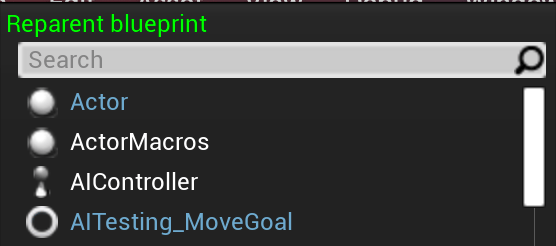

If you’re wanting to change the parent of a blueprint or widget, you’re in luck! Reparenting a blueprint or widget in Unreal is a straightforward and easy process.
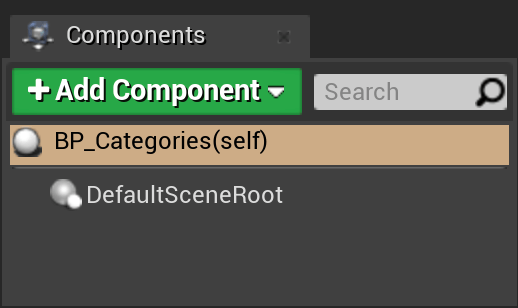
Open up the blueprint or widget that you are wanting to reparent.

On the top menu, go to File, Reparent Blueprint.

A new menu pops up, asking what you would like the new parent to be. Choose the asset that you wish to be the new parent, and click on it.
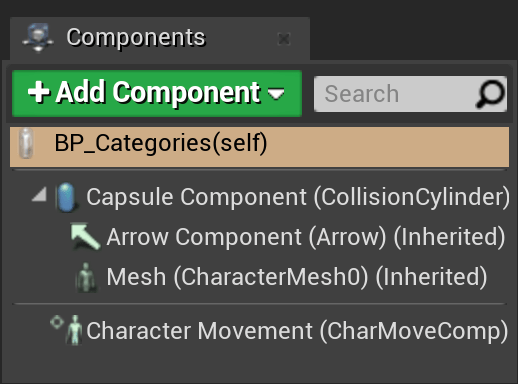
That’s it! Now your blueprint or widget has a new parent, inheriting all of the functions and variables from that new parent!
One thing to keep in mind when reparenting – if you have built any functionality into your blueprint which requires functions or variables from the parent that you are changing from, reparenting will break this functionality. If you reparent, you will no longer have access to the previous parents functions or variables. Make sure that you know if and what you are going to break before reparenting!
 Robot Brain Academy
Leave a comment